本页目录
本页还没有翻译,下面是 English 版本。
Galleries#
A bullet list of images followed by {.gallery} becomes an image grid. Text after an image is its caption. Click an image to see it full size.
- 
Home page
- 
Dark mode
- 
Documentation
- 
Documentation, dark
- 
Blog
- 
Releases and downloads
{.gallery}
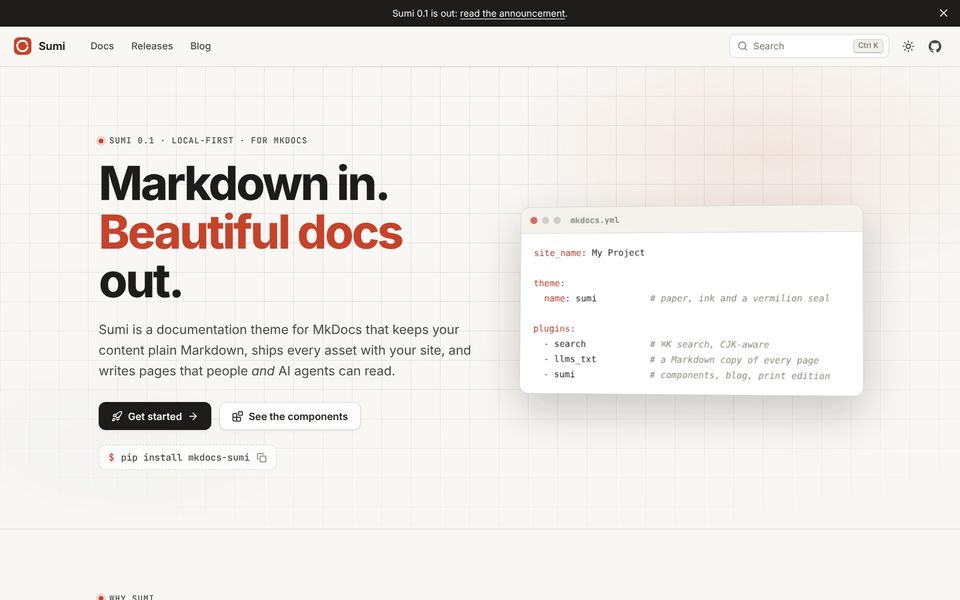 Home page
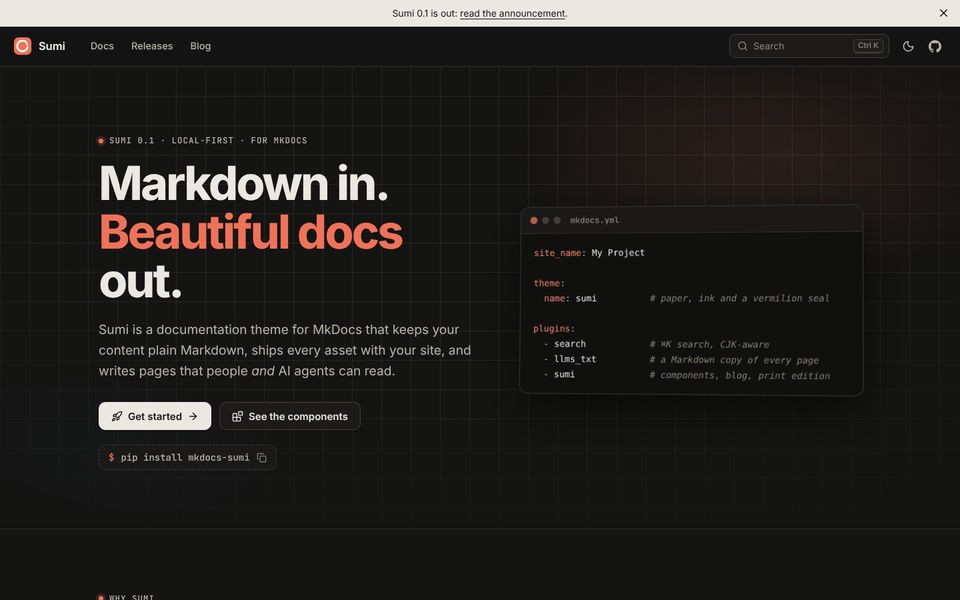 Dark mode
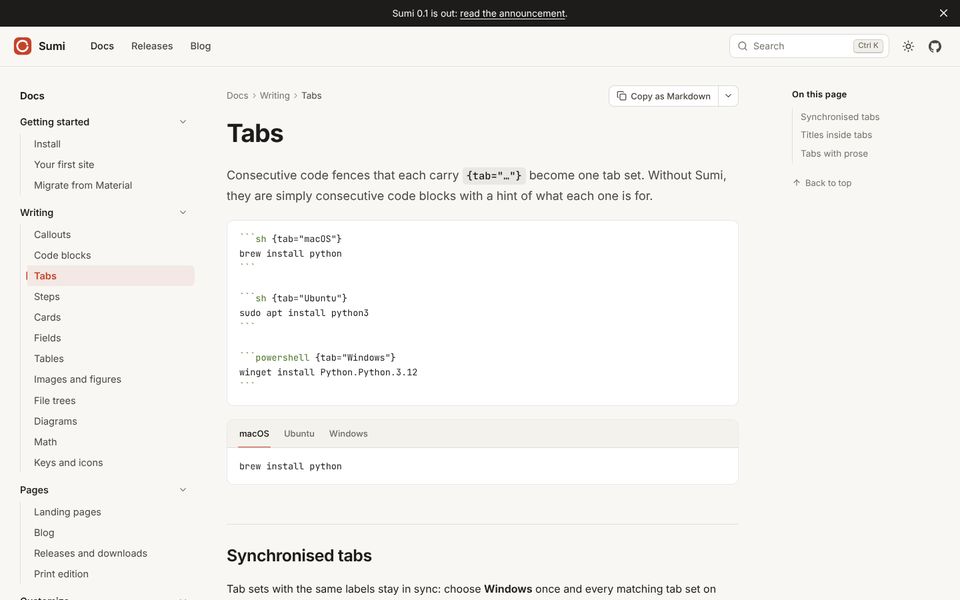 Documentation
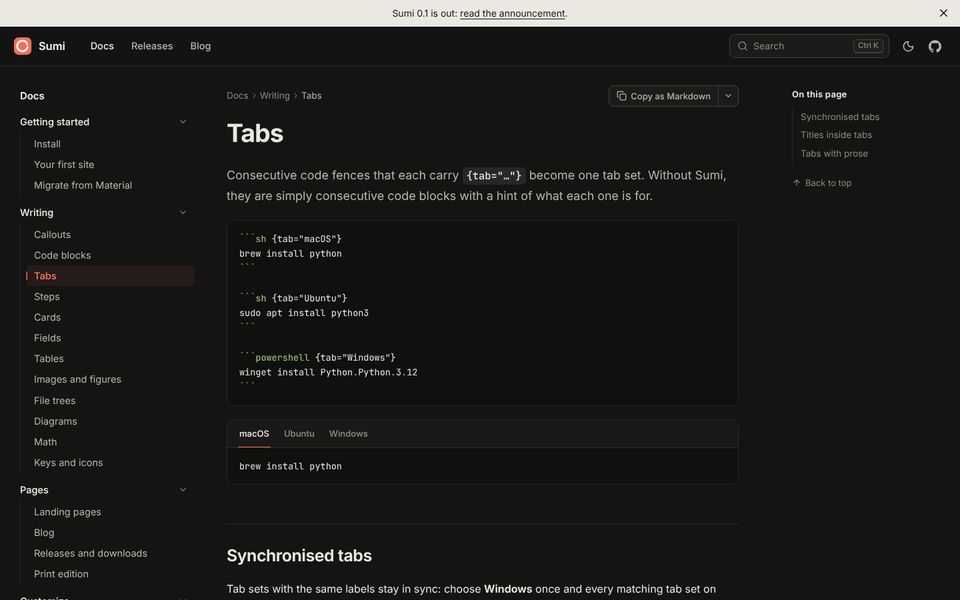 Documentation, dark
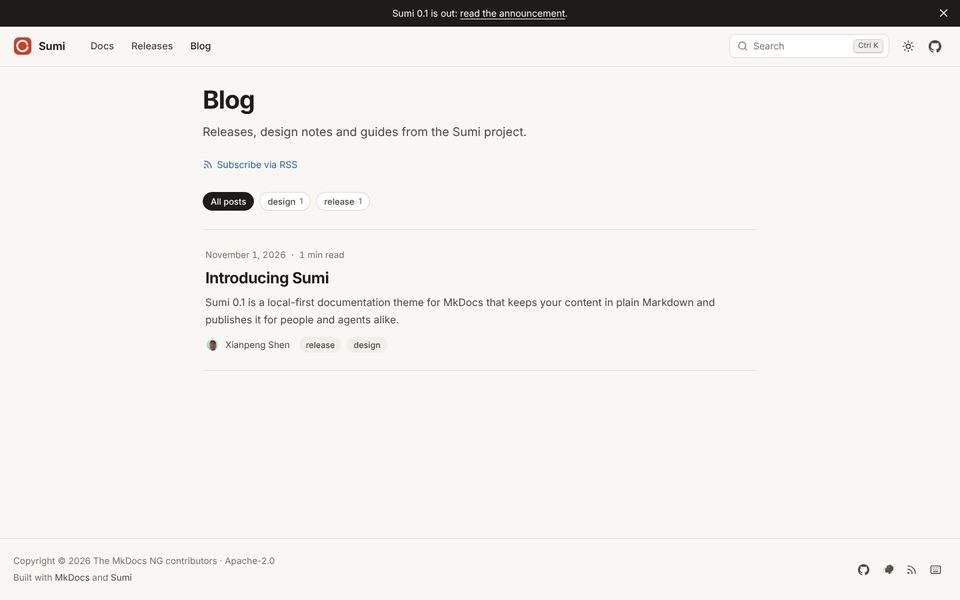 Blog
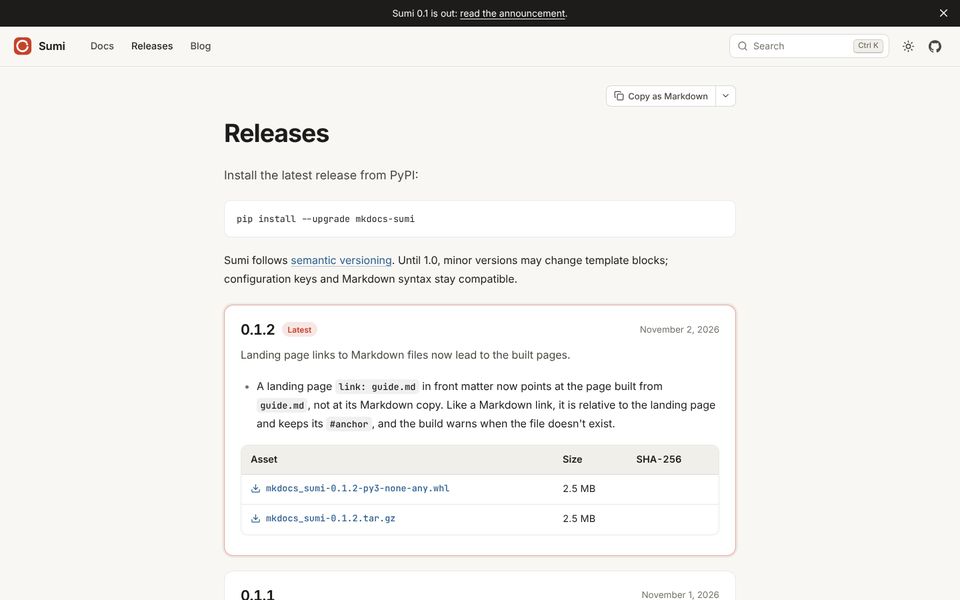 Releases and downloads
On GitHub and in the Markdown copy of the page, this is still a list of images with captions.
Columns and shape#
The grid fits as many columns as there is room for, up to three. Set cols to change that. Images are cropped to 4:3; set --ratio in style for another shape:
- 
- 
{.gallery cols="2" style="--ratio: 16 / 10"}
-
Light
-
Dark
Links#
Wrap an image in a link to open a page instead of the full-size image:
- [](../pages/blog.md)
Blog layout
{.gallery}